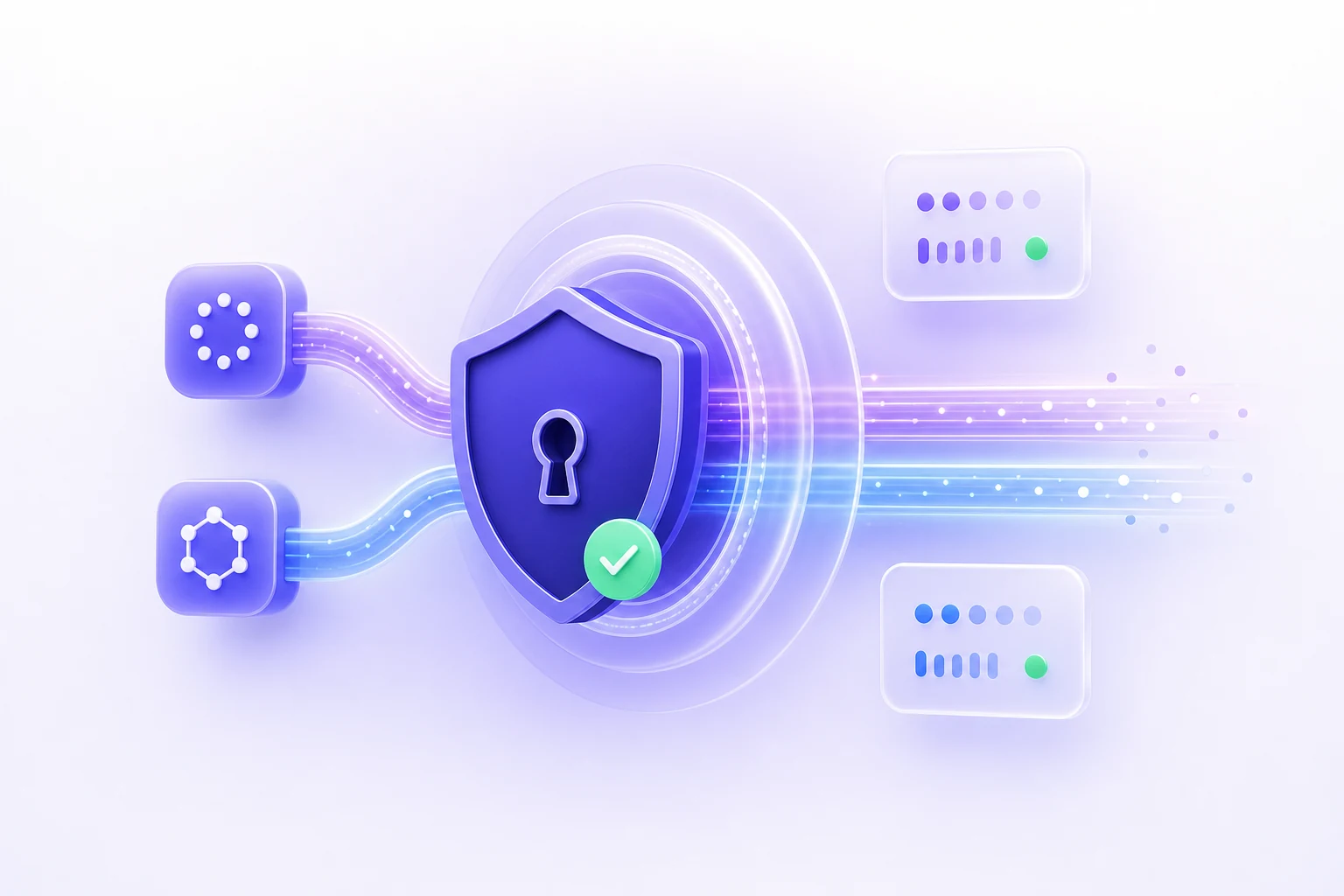
Secure Protocols
WireGuard and OpenVPN support for a dependable connection.
When connected, Private VPN Proxy encrypts supported Android traffic and uses the selected VPN server's public IP. Browse, stream, play and work with an added layer of privacy on compatible networks.
Simple one-tap protection
Built for everyday internet use

Your connection is protected
WireGuard and OpenVPN support for a dependable connection.
Choose from available VPN locations, with more added over time.
Connect quickly with a clean interface and minimal setup.
Designed to help reduce exposure on everyday online networks.
Made for everyday connections
Private VPN Proxy brings one-tap connection controls, flexible server selection and modern VPN protocols into a simple Android experience.
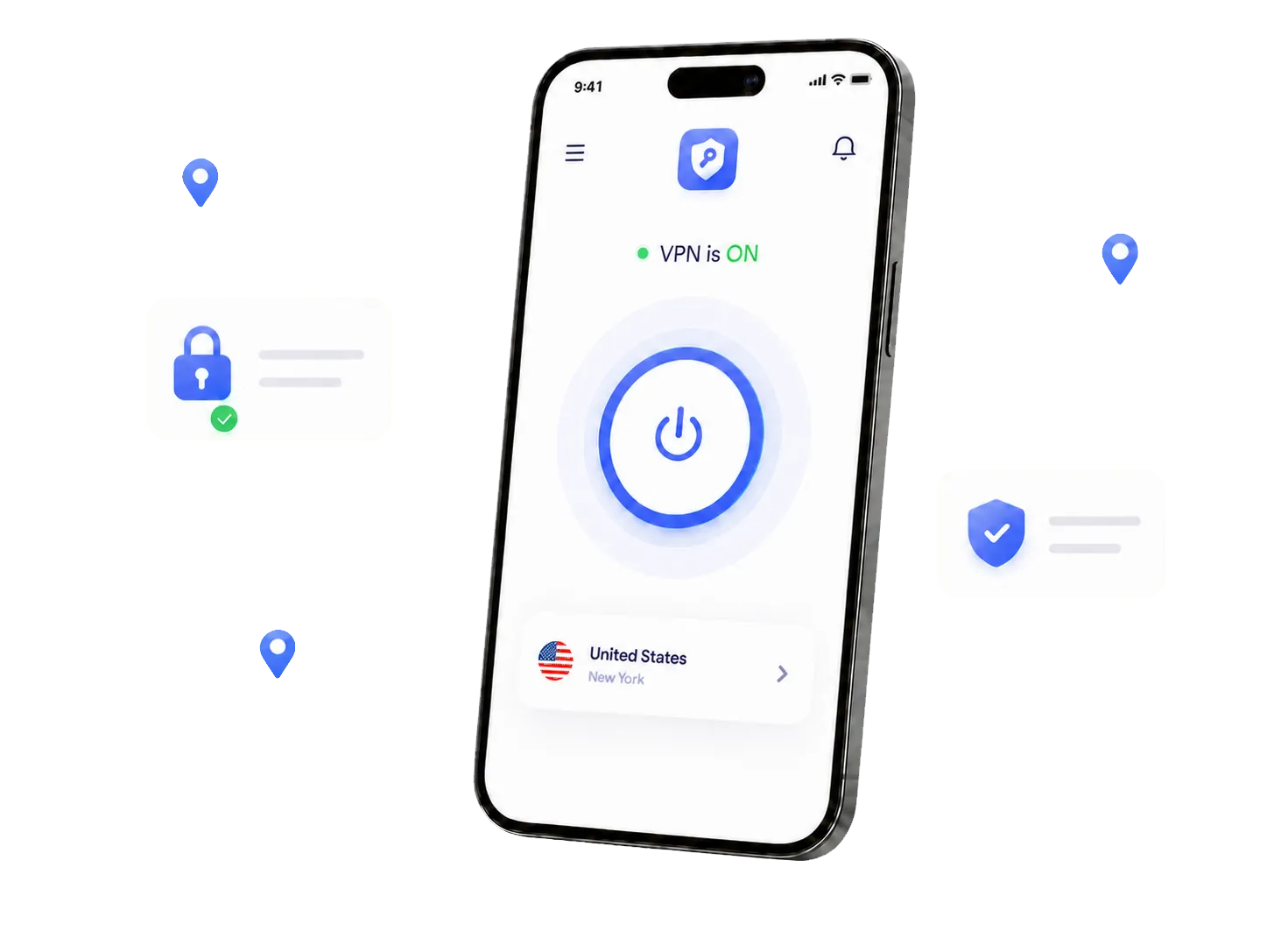
Clear controls, useful connection options and a mobile-first interface make it easy to add a layer of privacy to your everyday online activity.
Select a location and connect in one tap. The main controls stay easy to find and understand.
Flexible locations
Browse available server locations and pick the one that fits your connection needs.
Secure by design
Switch between WireGuard and OpenVPN based on compatibility and preference.
This directory preview helps you explore country options across America, Asia, Oceania, Europe, the Middle East and Africa. It is not a live server feed; open the Android app to confirm which countries are available for your current version and plan.
Use Private VPN Proxy when you browse, travel, play, stream or connect on unfamiliar networks.
Help protect supported traffic when connecting at cafés, airports, hotels and shared workspaces.
Route supported streaming traffic through the VPN. Access and performance still depend on the service, server and network.
Use supported protocols and available routes. Latency still depends on distance, server load and network quality.
Bring a familiar connection tool with you when using networks away from home.
Select a location and tap the button.
Install Private VPN Proxy from Google Play on your Android device.
Browse the available locations and choose the option you prefer.
Turn on the VPN and see your connection status directly in the app.
These capabilities are described in the current Google Play product listing. Availability can vary by app version, server and plan.
Learn more about how the app works, supported protocols and where to download it.
Contact the support team through the app or the published support channel.
Private VPN Proxy is an Android VPN app designed to provide a simple connection experience for everyday browsing, streaming, gaming, travel and public Wi-Fi.
The app supports WireGuard and OpenVPN. Available protocol options may depend on the app version and server configuration.
Private VPN Proxy uses a freemium model. The Google Play listing identifies the app as containing ads. Available free access and premium options are shown inside the app.
Yes. You can browse and select from the server locations available in the app. More locations may be added over time.
The current Android version is available on Google Play. Use any download button on this page to open the official store listing.
Download Private VPN Proxy for Android and add an encrypted VPN layer to supported traffic whenever you connect.